003 — Campfire
Study rooms,
rebuilt.
A study-room app where you teach a syllabus to an AI instead of the other way around — it tracks real topic coverage before an exam, and only your phone, never your laptop, has to go face-down during a session.
Stack
Screens
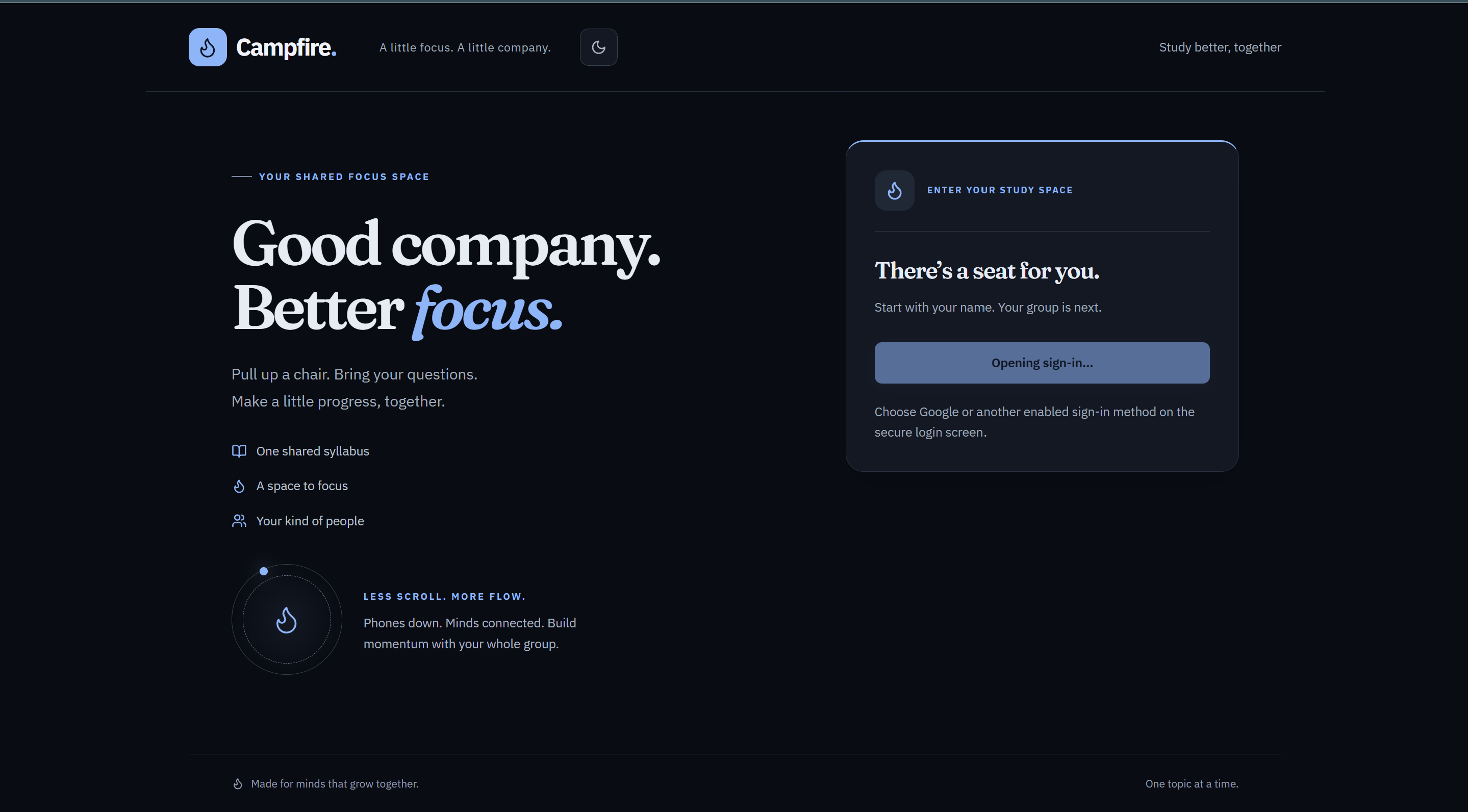
Landing Page
The entry point to Campfire: a shared focus space pitch with one-click sign-in via Auth0.
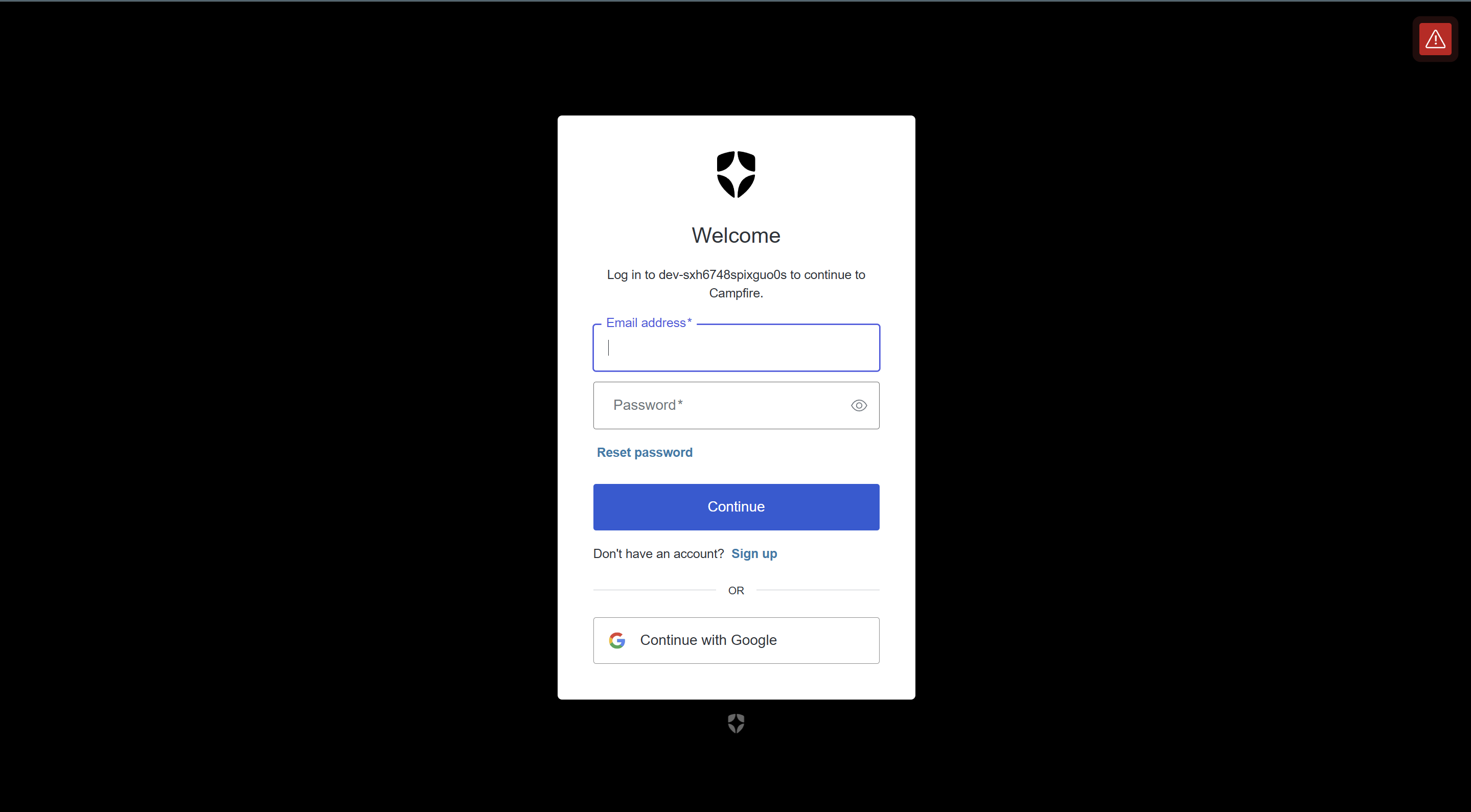
Secure Sign-In via Auth0
Campfire's authentication flow, powered by Auth0 — supports email/password and Google social sign-in.
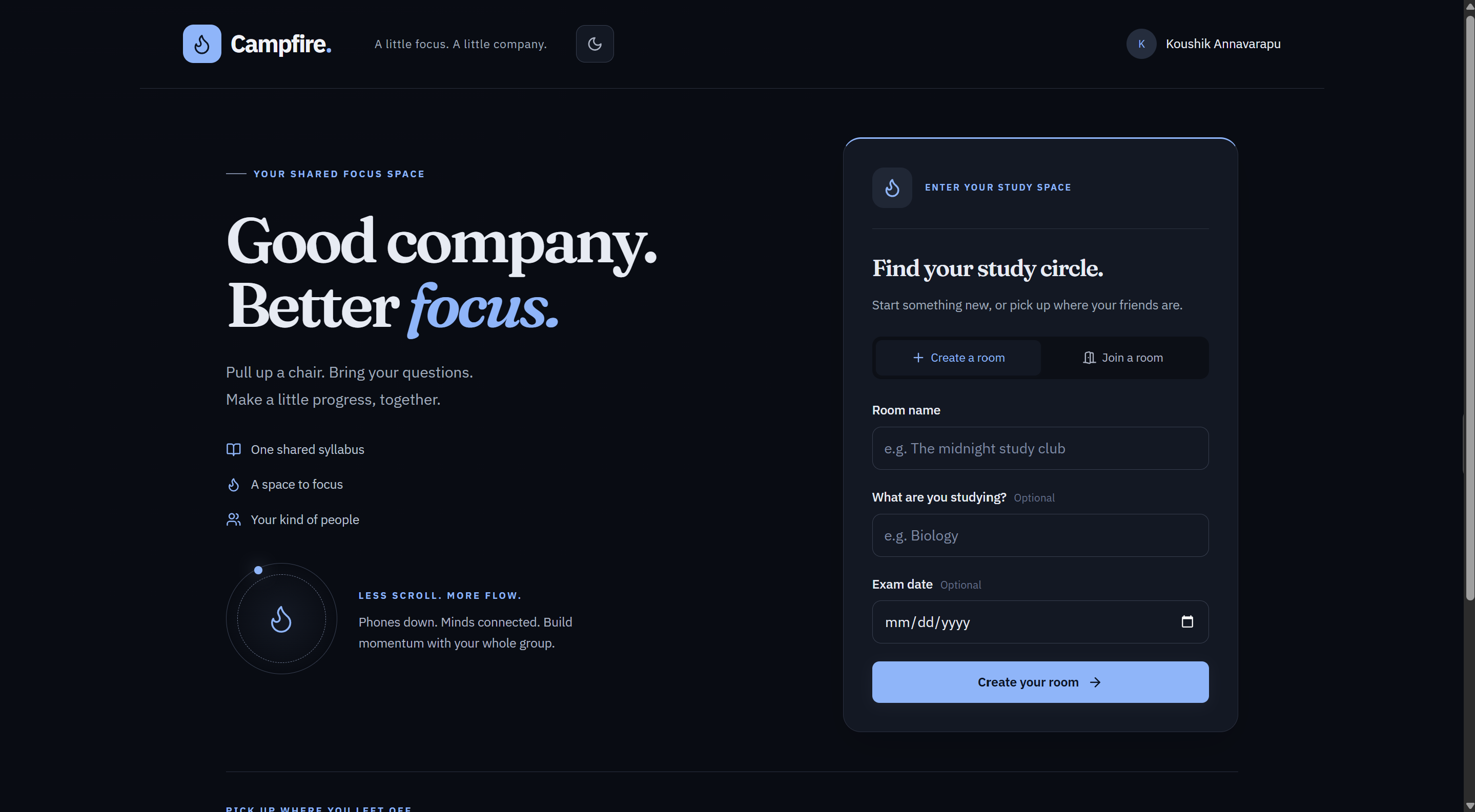
Creating a Study Room
Starting a new study room: name it, tag the subject, and optionally set an exam date to drive syllabus-coverage reminders.
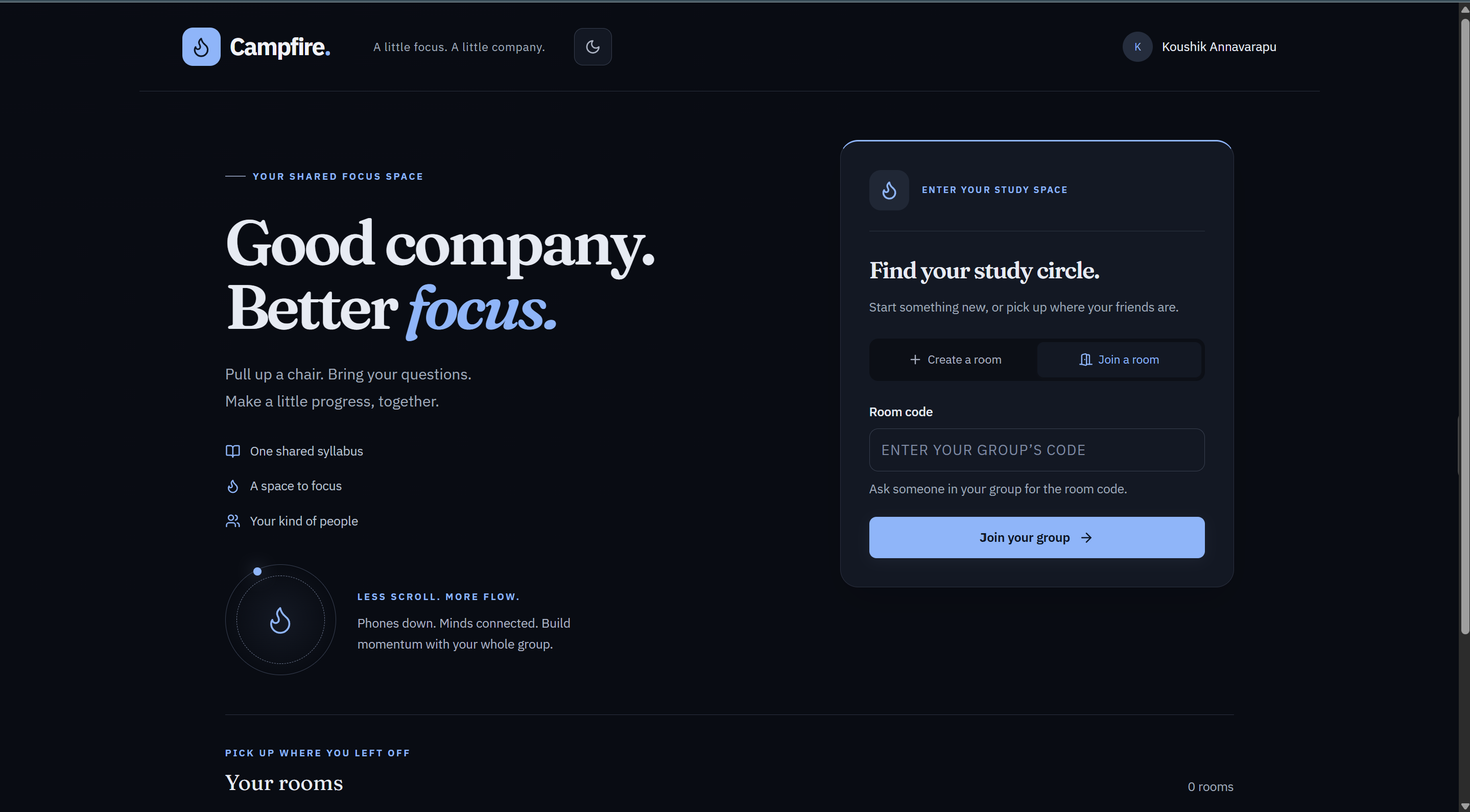
Joining a Study Room
Joining an existing room with a shared room code — the same screen surfaces rooms you've already joined.
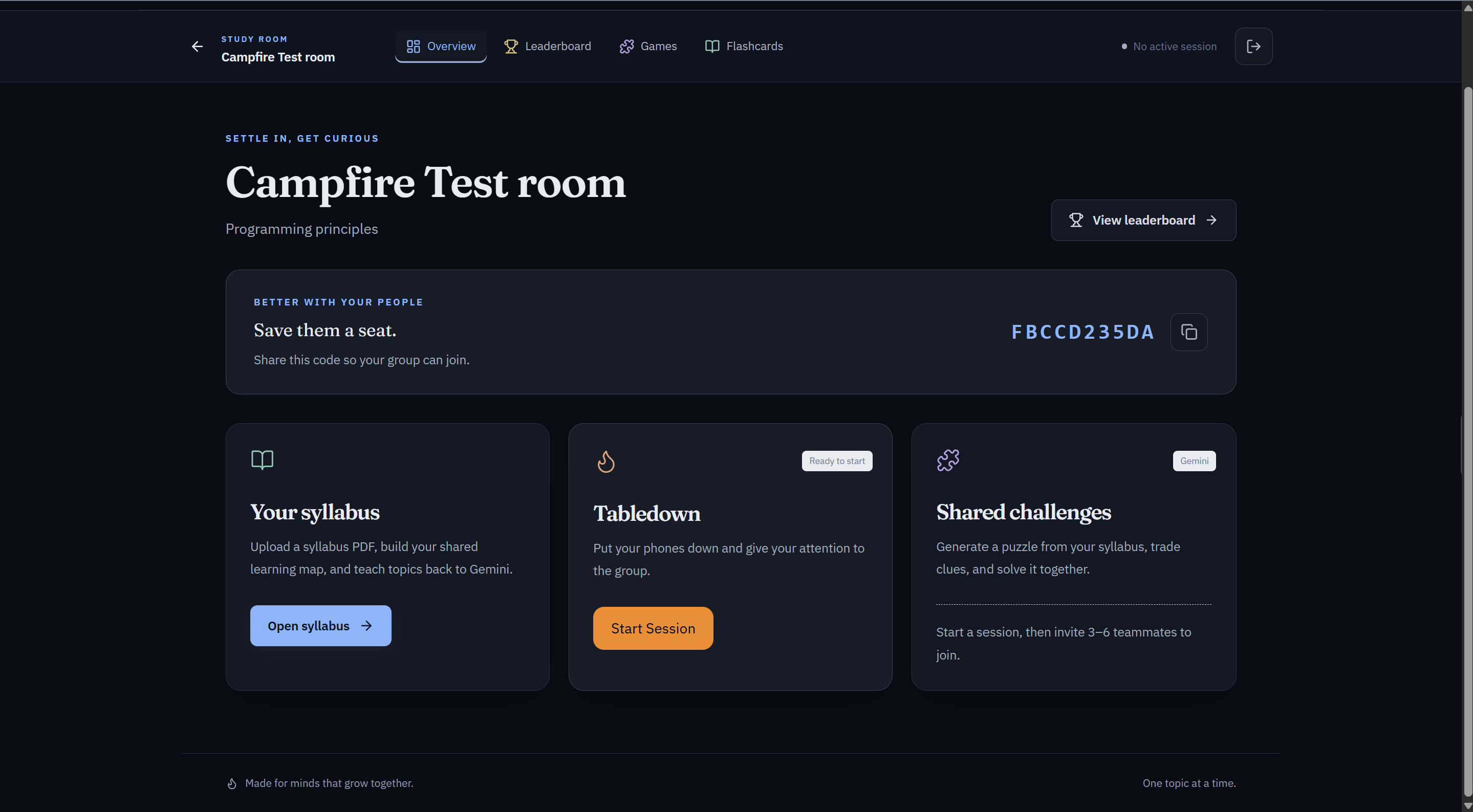
Inside a Study Room
The room hub: upload a syllabus, start a phone-free "Tabledown" focus session, or generate a shared syllabus-based challenge.
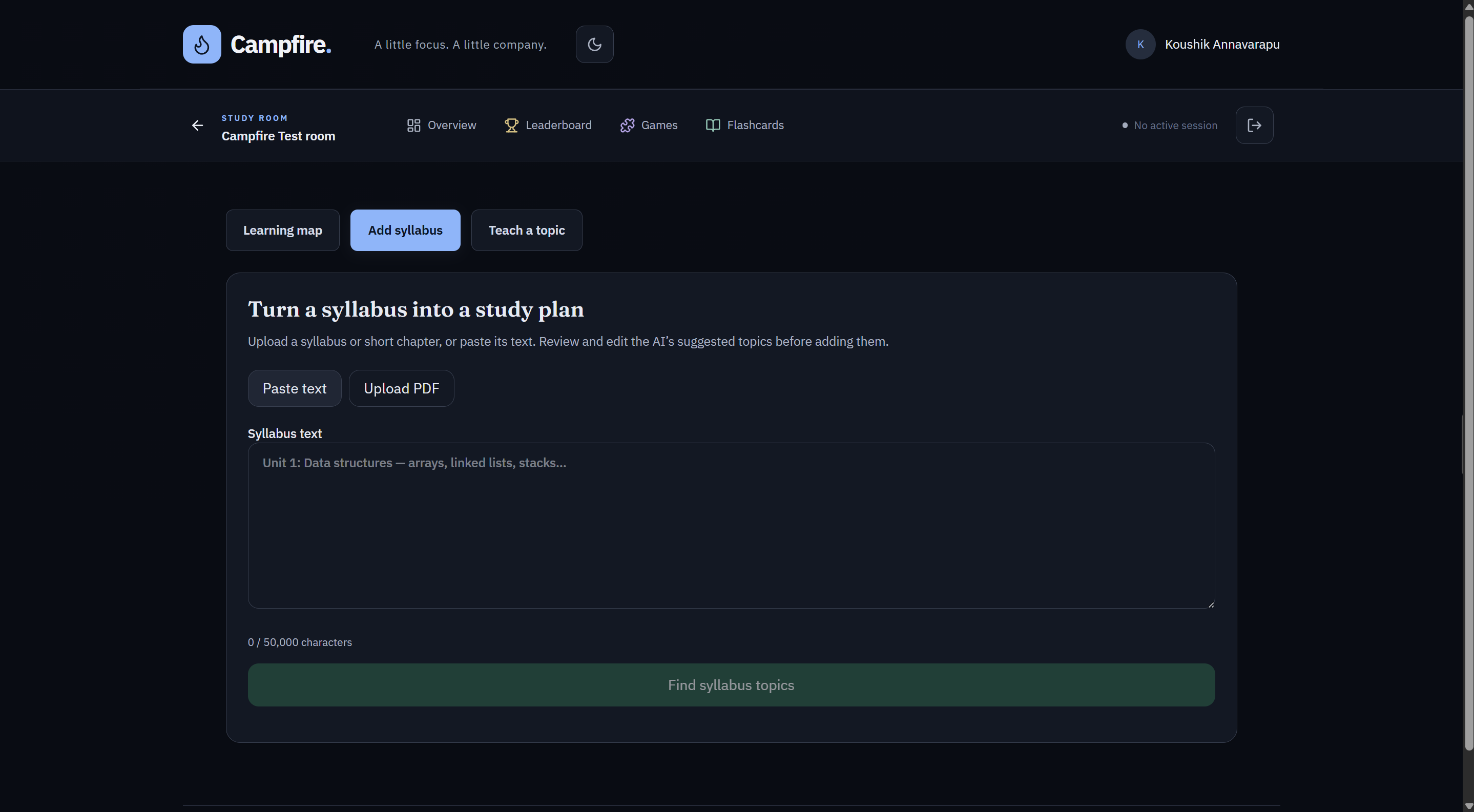
Turning a Syllabus into a Study Plan
Paste or upload a syllabus and let AI break it into a structured list of topics to track.
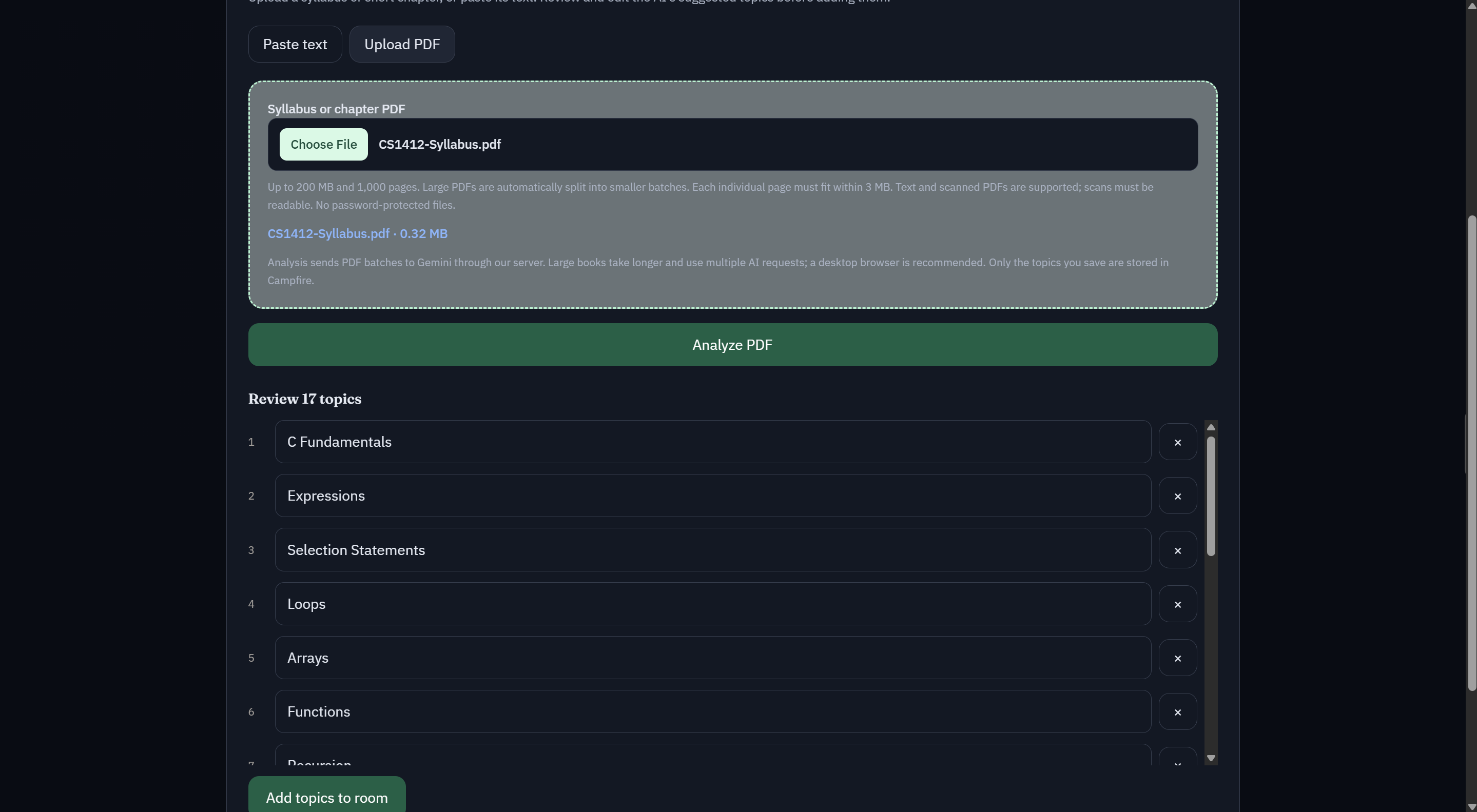
AI-Generated Topic Review
After analyzing an uploaded syllabus PDF, Campfire surfaces a full topic list to review and edit before adding it to the room.
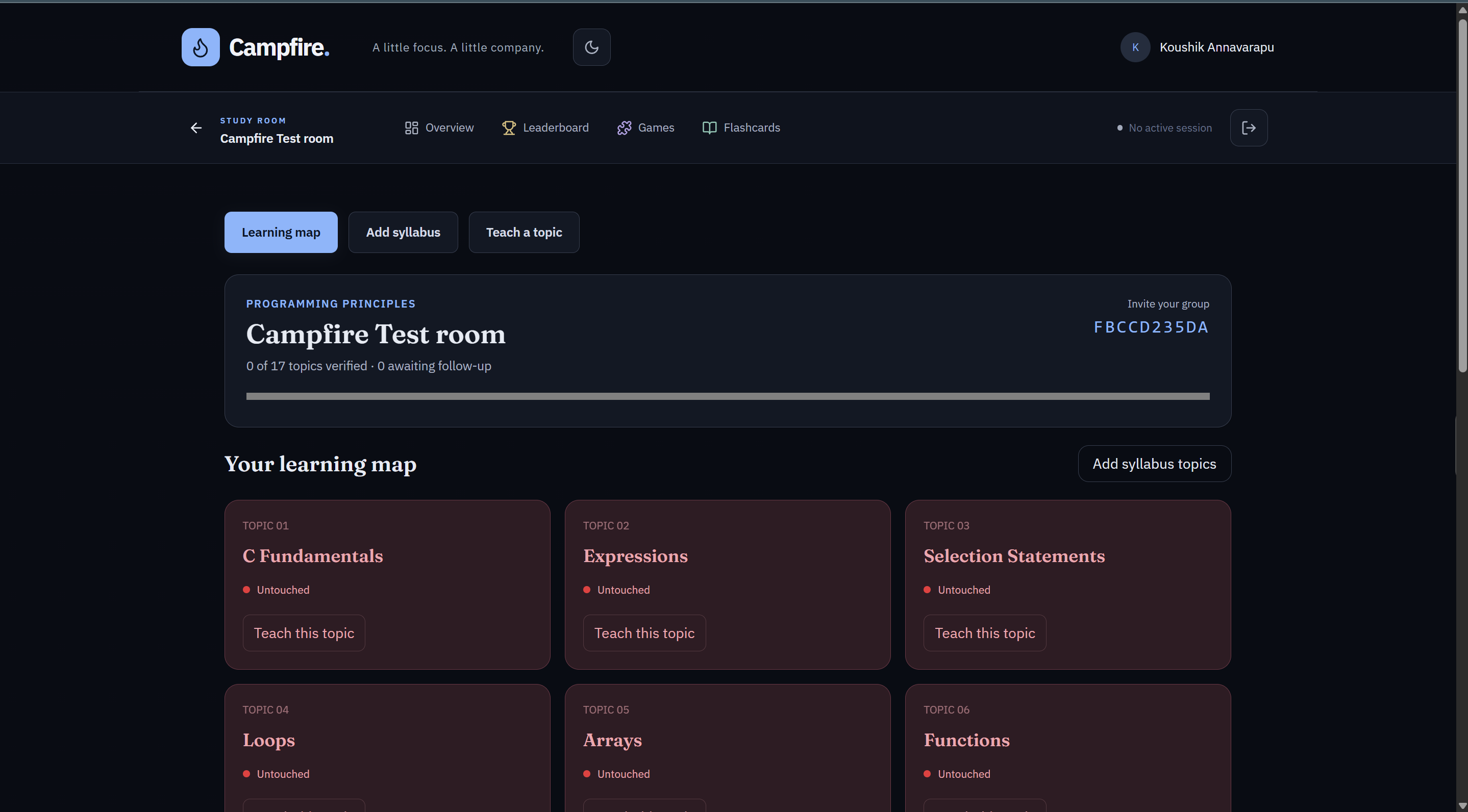
The Learning Map
A visual coverage tracker for the room's syllabus — each topic starts "Untouched" and updates as it's taught and verified.
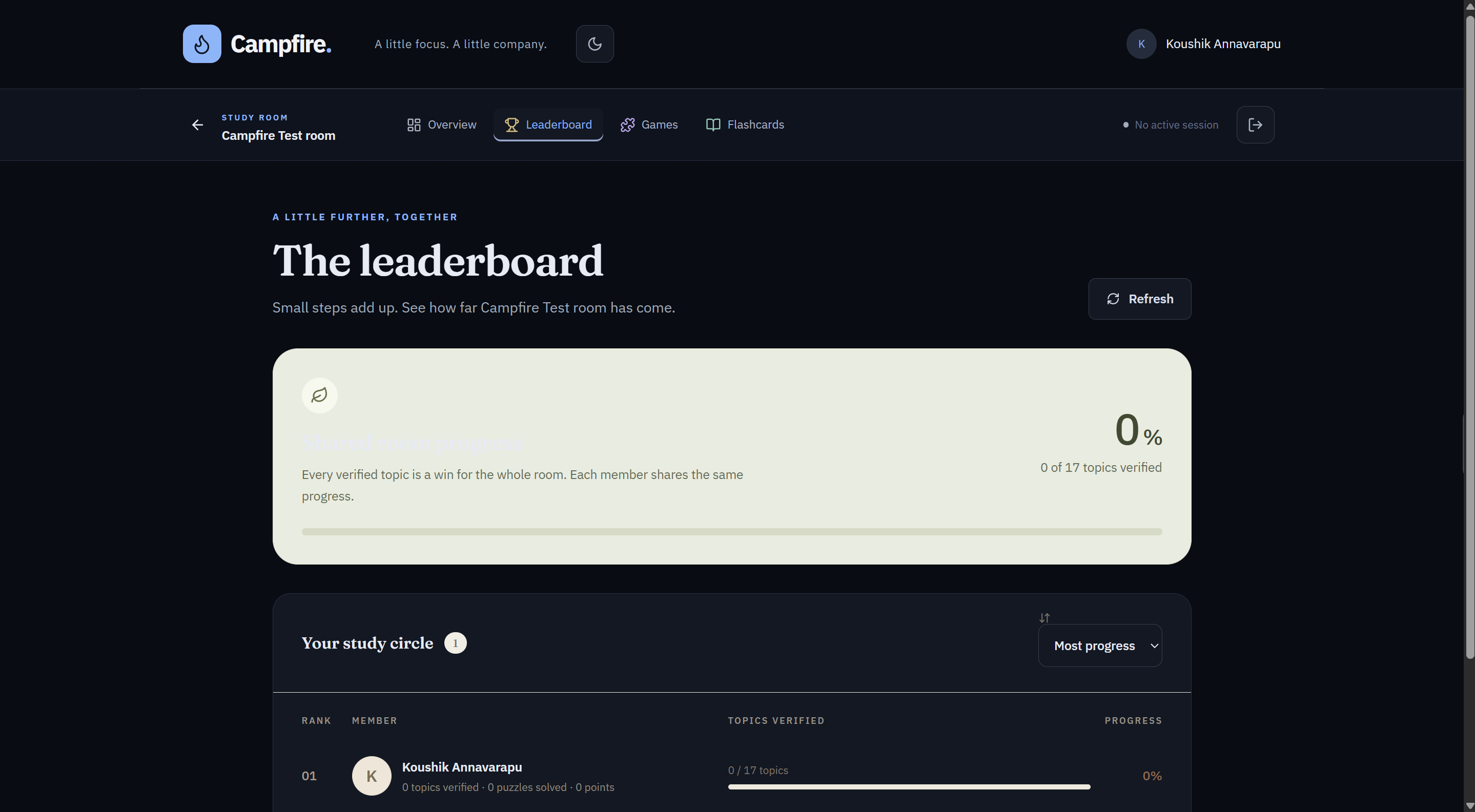
Group Leaderboard
Tracks verified topic coverage per person and for the room as a whole — progress is a shared, not individual, metric.
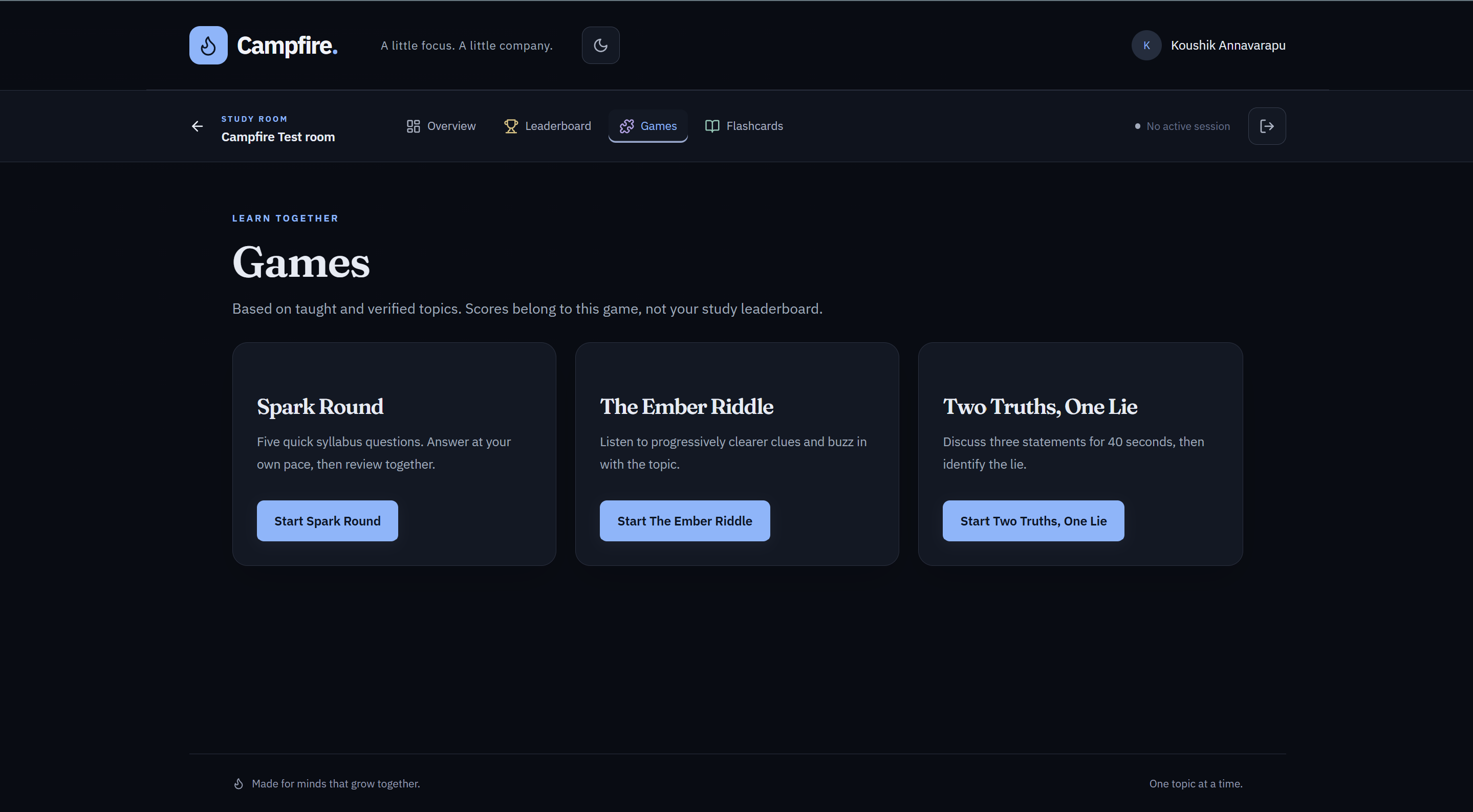
Study Games
Three games generated from the room's own syllabus: Spark Round, The Ember Riddle (voice-narrated), and Two Truths, One Lie.
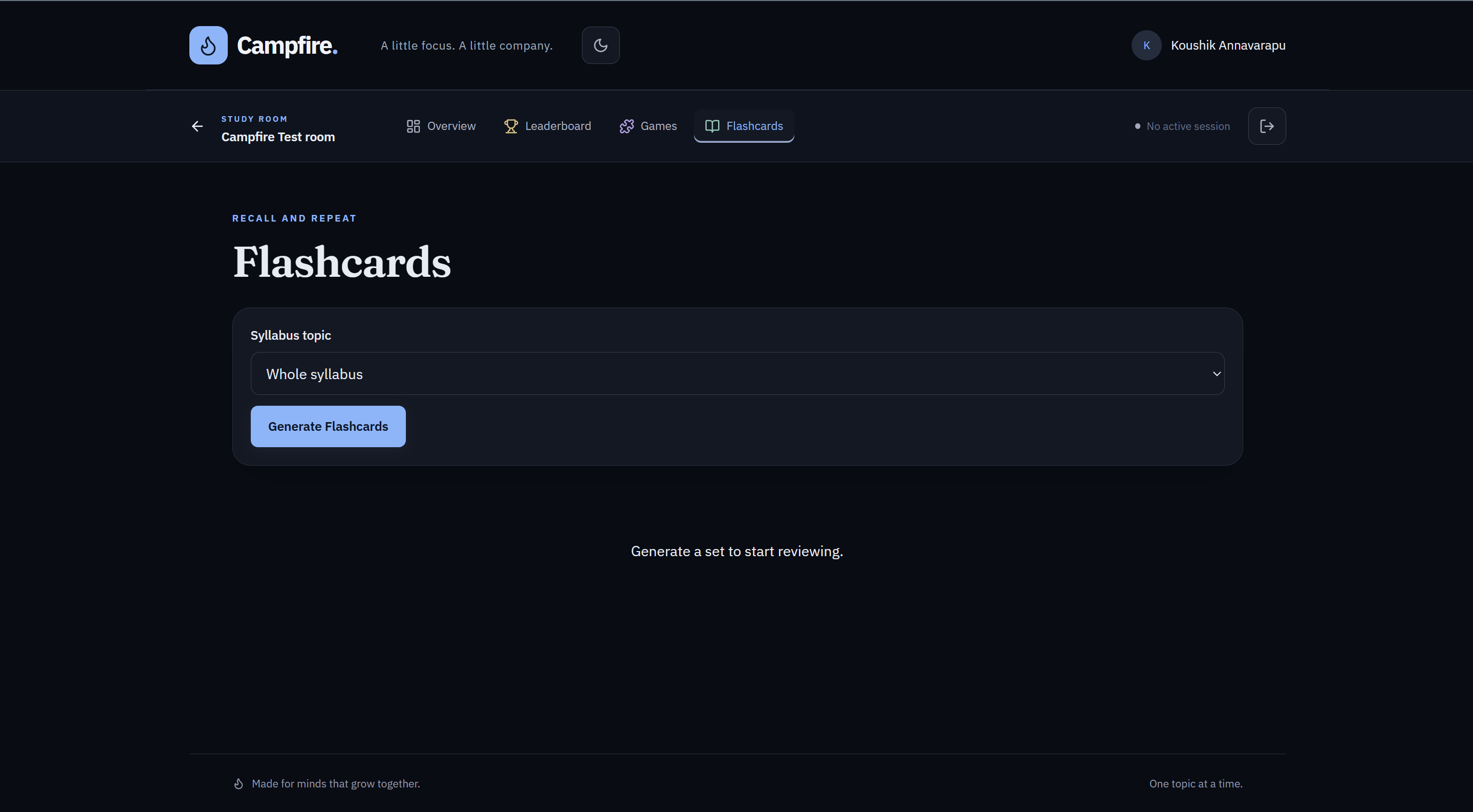
AI-Generated Flashcards
On-demand flashcards generated from syllabus topics for quick review and repetition.
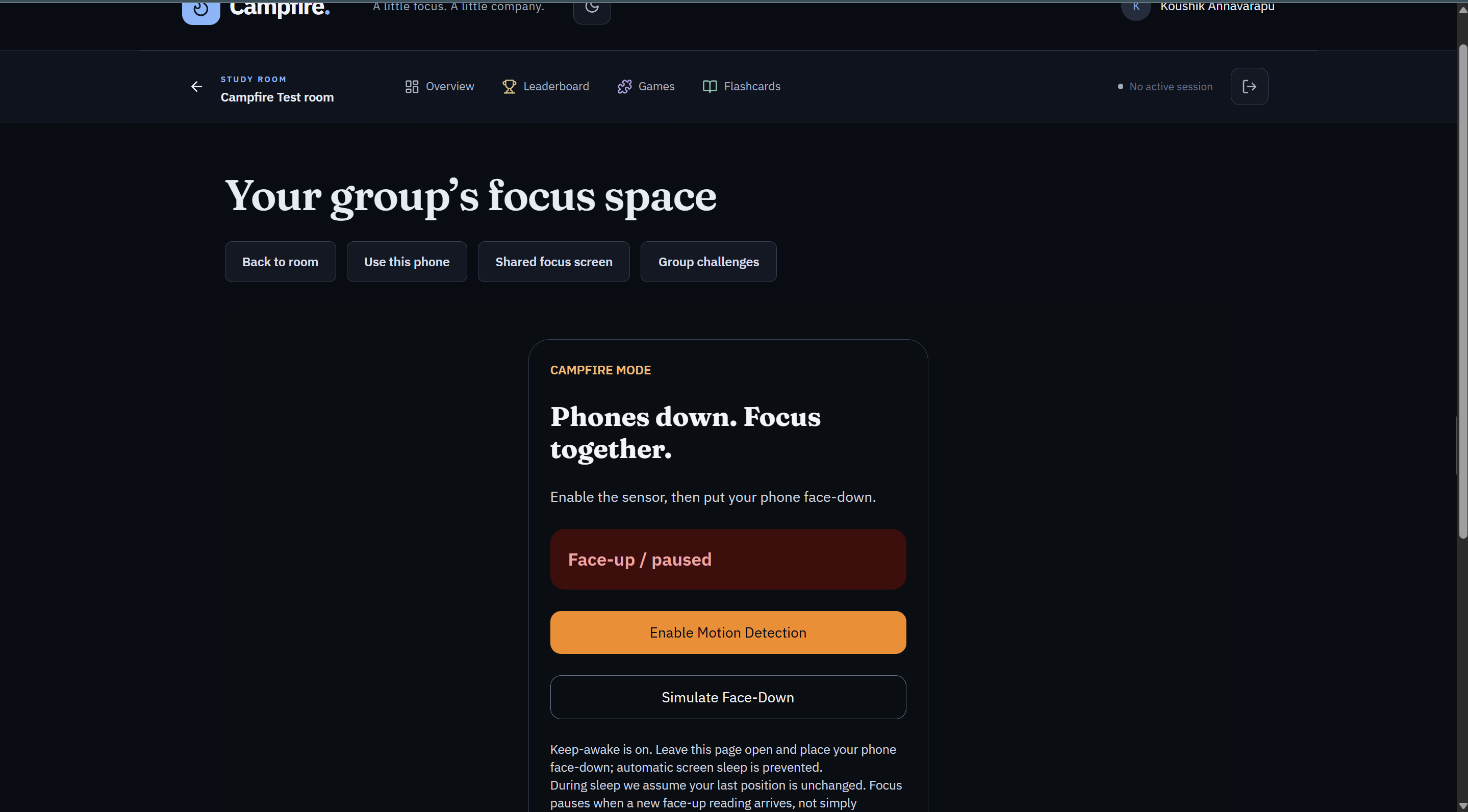
Phone Face-Down Detection
The phone side of Campfire Mode: motion detection confirms a phone is face-down before the group's focus session counts it as active.
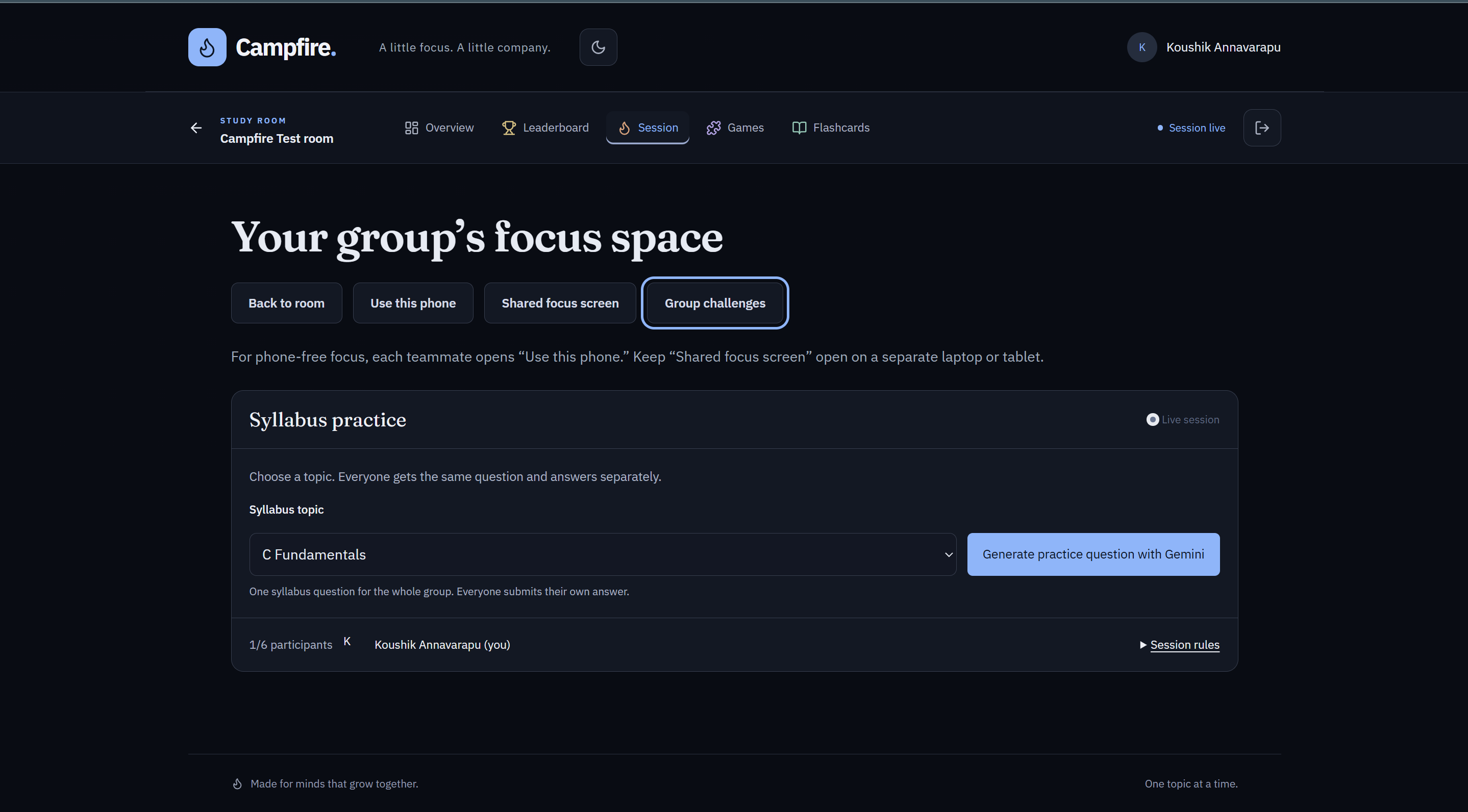
Group Challenges, Live
During an active session, the group answers a shared AI-generated question together — built to spark discussion, not solo scrolling.